

Welcome to AchieveAble! Getting set up only takes a few minutes. Follow the steps below and you'll be ready for your first session.
Step 1: Visit the AchieveAble Platform
Head to learn.achieveable.au to access the platform. AchieveAble is a custom-built learning environment that brings together our maths modules, game shows, and video calling software in one place.
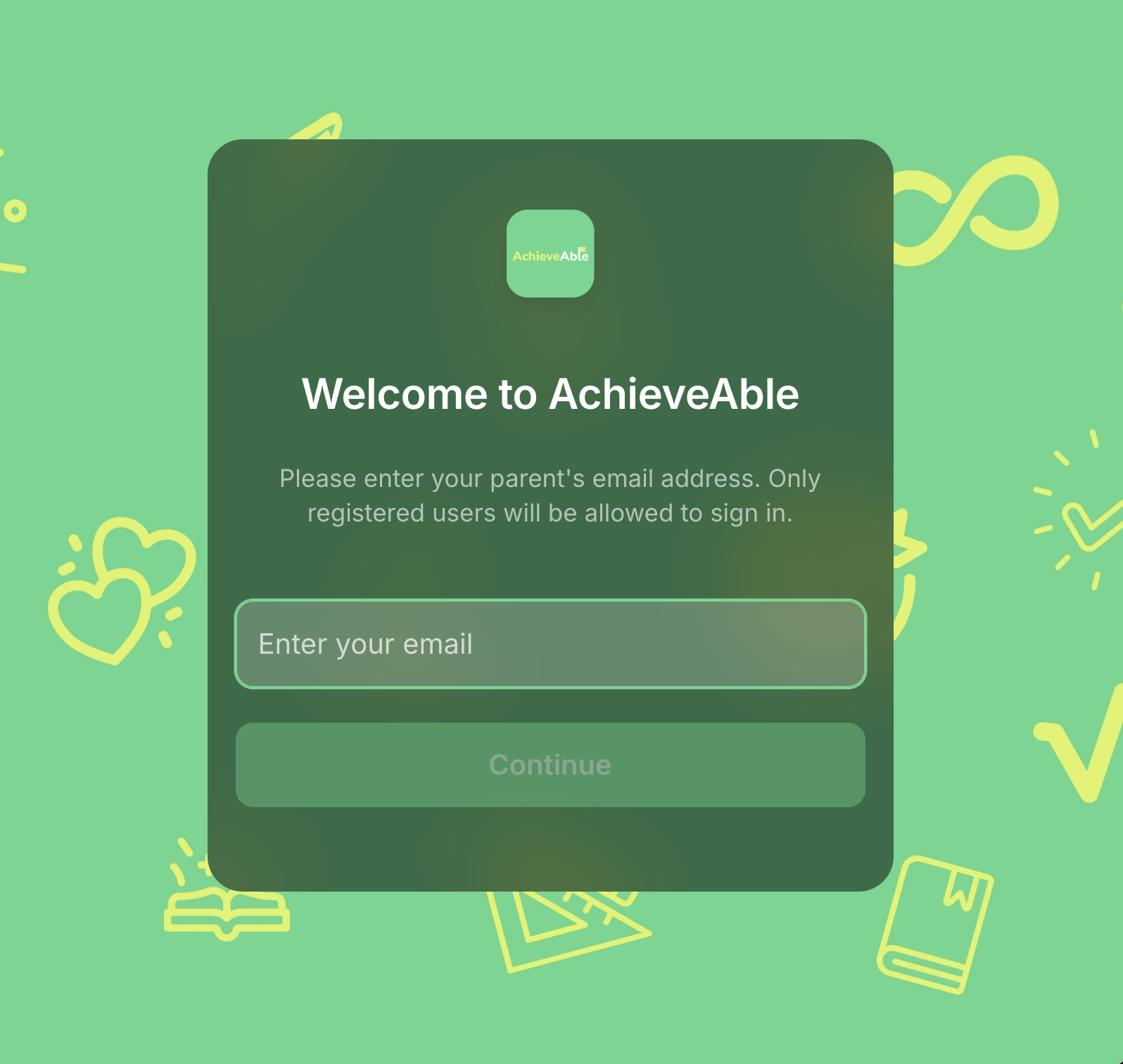
Step 2: Log In With Your Email Address
Your account has been registered using the email address you signed up with. Enter that email and we'll send a one-time PIN code to your phone from +61 489 071 799.
A couple of things worth knowing:
-
AchieveAble doesn't use passwords — just a quick SMS code each time
-
Once you're logged in on a device, you won't need to log in again unless you switch devices or browsers
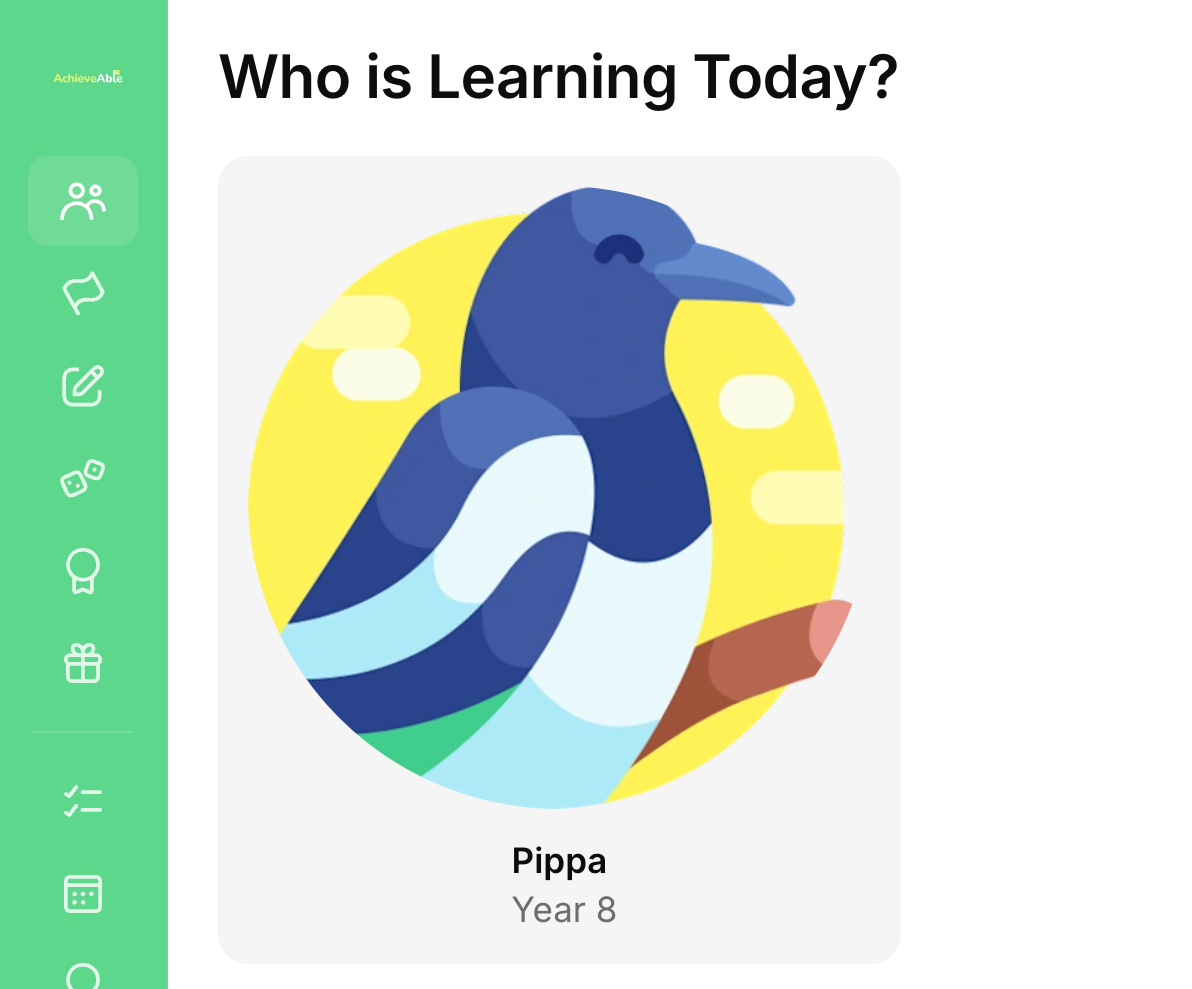
Step 3: Select Your Child
Even if you only have one child enrolled, you'll need to select their name before continuing. This ensures their progress and sessions are tracked correctly.
Step 4: Select the 'Getting Started' Coaching Lesson
You'll see two session types — a Coaching lesson and a Game Show lesson. For your first session, click on the Coaching session (it's the first one on the left).
.png?width=1648&height=1368&name=Untitled%20design%20(8).png)
Step 5: Set Up Your Camera and Microphone, Then Knock on the Room
Once inside, you'll be prompted to enable your camera and microphone. When you're ready, click Knock — your tutor will let you in at session time.
Feel free to knock early. Your tutor will admit you right at the start of your scheduled session.
.png?width=1648&height=1368&name=Untitled%20design%20(7).png)
Ready to go? Visit the platform at learn.achieveable.au and we'll see you in your first session! 🎉